projects · 08 · 2020
Live Background
- JavaScript code running in a web browser
- 9 controls · source on this page
- 4 renders
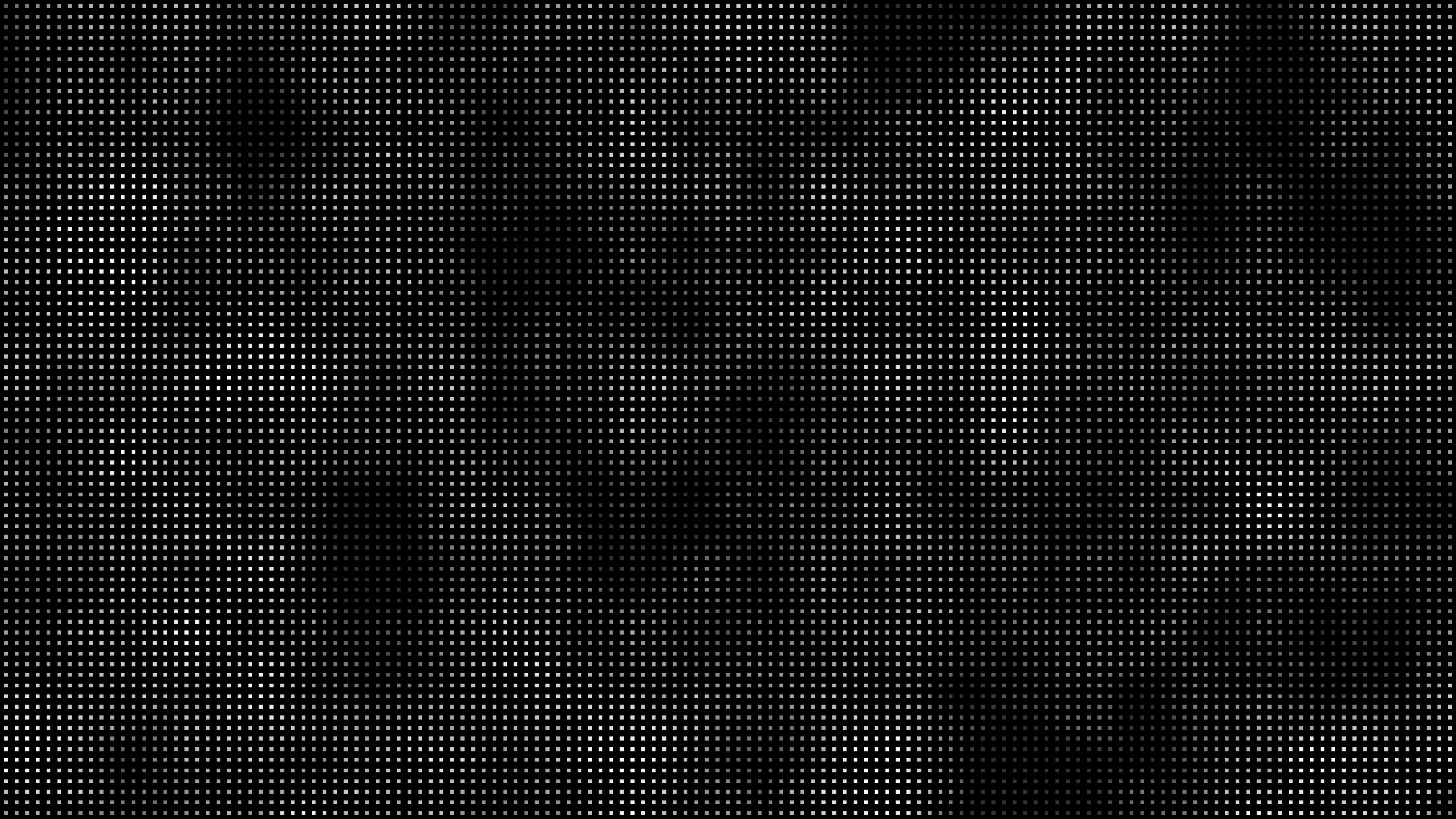
As I was running through the other Perlin Noise examples I realized I could - now - very easily recreate this blog’s background dynamically.
What I’m doing is very similar to the 2D mapping, except I now space out pixels a bit further and I navigate the Perlin Noise space on the Z axis, effectively going up on that space while everything else is mapped directly to x, y positions. The rest of the code is there to try and handle light / dark user preferences, although right now it works best in dark.
The aesthetics are a bit too subtle and that’s always been my weakest side, but it was nice to make this connection and I felt it was worth the work.
Update, October 2026
I came back to this one with some help from Claude, right after fixing Marching Squares, and, of course, it had exactly the same bug. I was handing the noise function raw pixel positions, 12 pixels apart, and Perlin noise’s features are only about 1 unit across. At that distance neighbouring dots have almost nothing to do with each other, so what I thought were slowly drifting clouds was really just static. The background this blog had back then was a tile cut from it, and you can see it’s pretty much random:

The fix is a single multiplication: scale the pixel position down before asking for noise (noise(x * 0.008, y * 0.008, time)), so that neighbouring dots sample nearby points and the noise’s actual shapes show up:
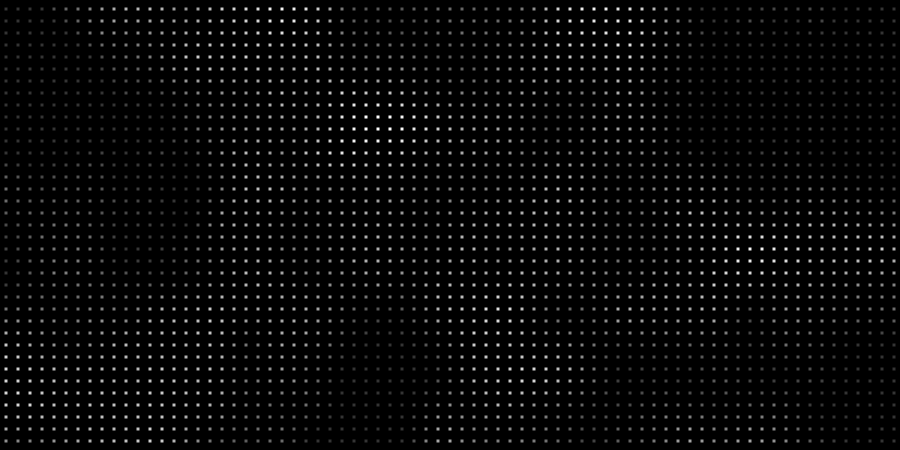
The other thing that always bothered me was how slow it was. I’d capped it at 10 frames a second and asked for 8 octaves of noise for every dot, to get detail that was never going to show up at that spacing anyway. It now runs at full speed with 3, and draws straight to the canvas instead of setting a colour and drawing a point one dot at a time.
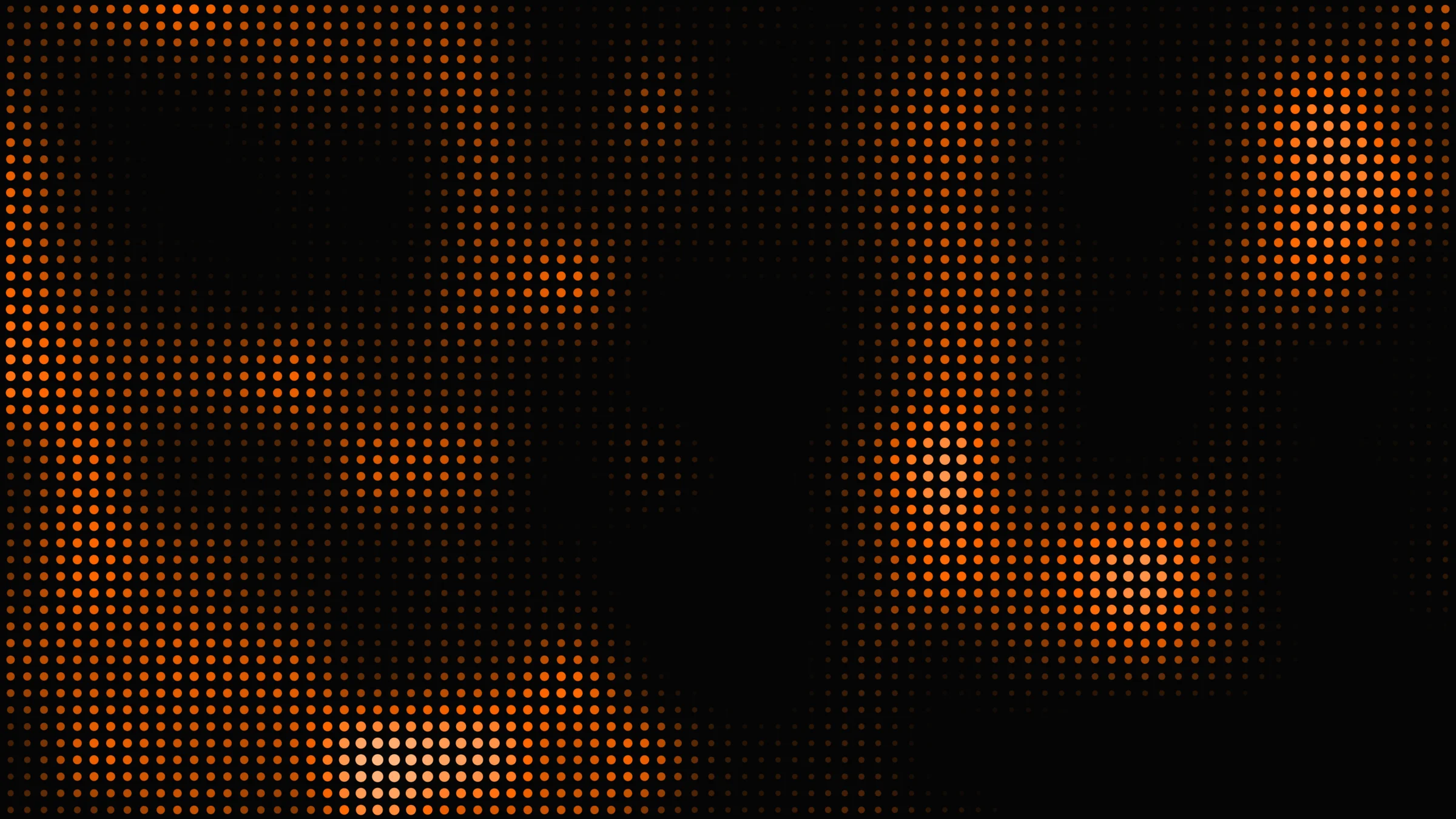
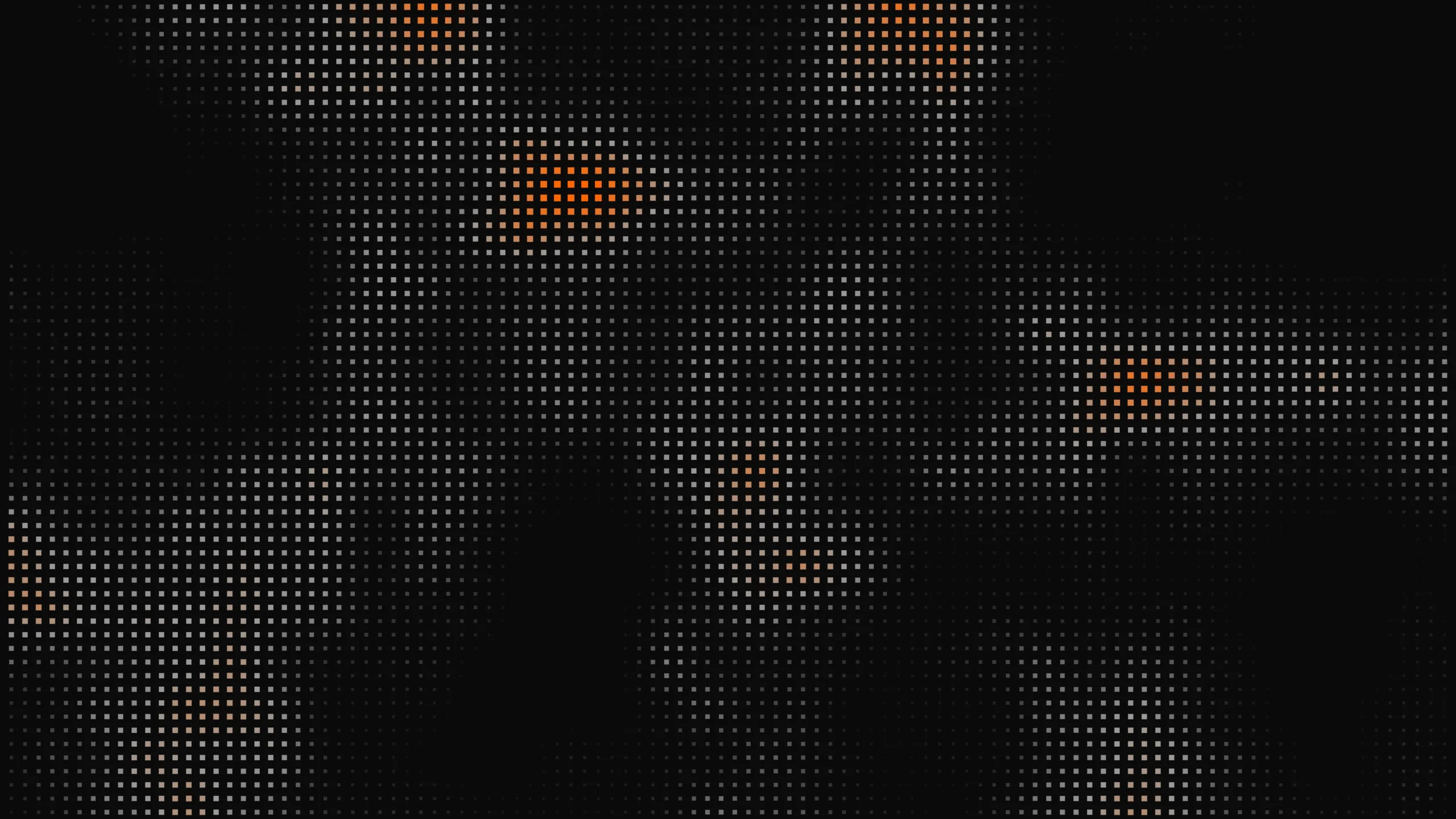
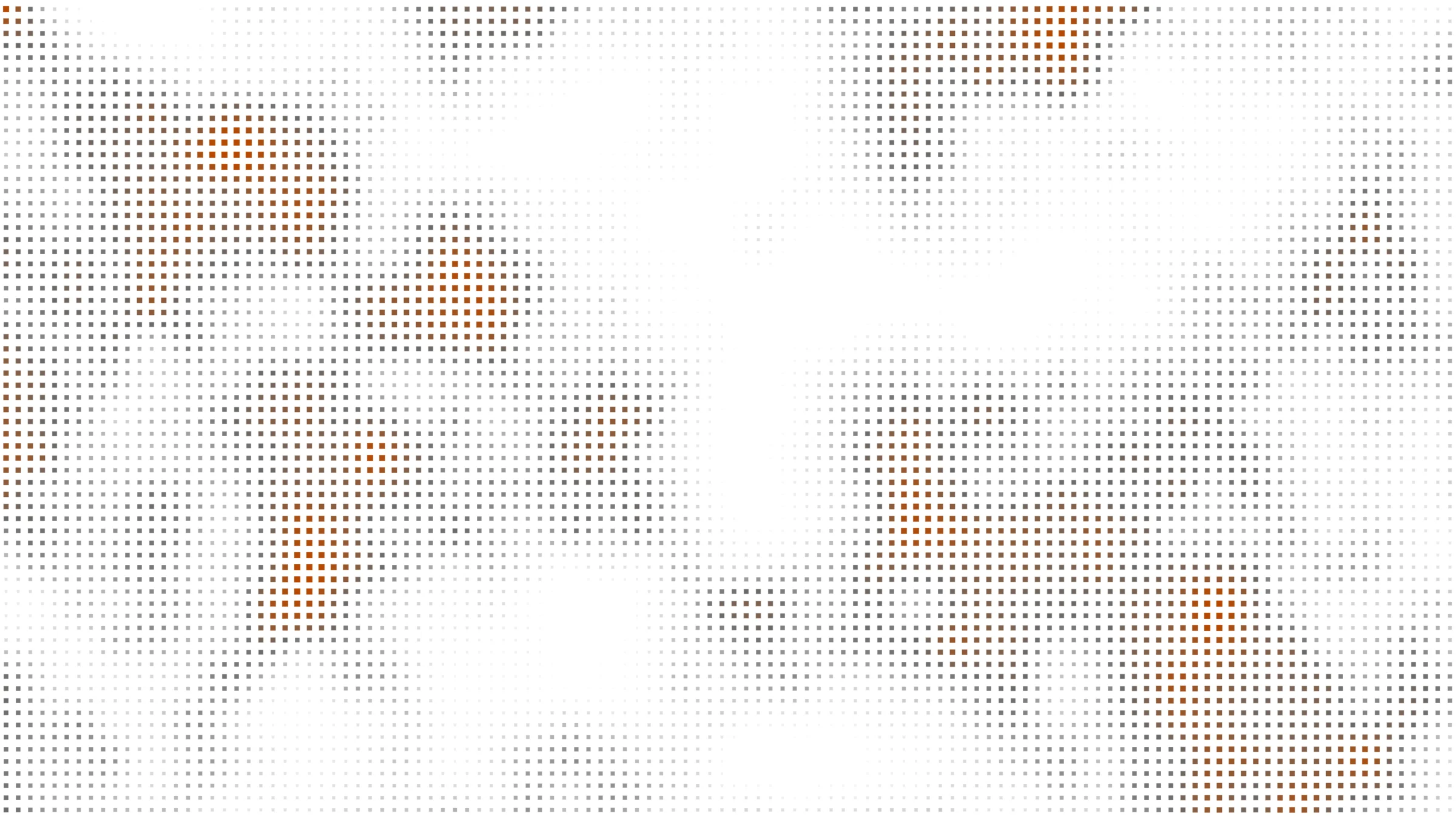
And it finally has controls :) Dot spacing and size, the noise scale, how much detail, how fast it drifts, a seed, round or square dots, and whether brighter dots get bigger too. There are a few colour schemes, including the site’s own dark and light ones and “Classic (2020)”, the original grey on black. It also stays still if your system asks for reduced motion.
The best bit is that it’s back where it started, as part of the site: the footer now picks one of the Lab’s pieces for each page, and a couple of these renders are in the mix.
Source — sketch.js
'use strict'

// A grid of dots, each one shaded by Perlin noise at its position, with time
// as the third noise dimension so the pattern drifts and reshapes slowly.
// This blog's background (circa 2020) was a tile cut from it.

// Avoiding Global Mode: https://github.com/processing/p5.js/wiki/Global-and-instance-mode
const experiment = ( sketch ) => {
  //
  // Configuration
  //
  let container = document.getElementById('sketch-holder')
  let canvas_el

  let spacing = 14                // Distance between two dots, in pixels
  let dot_size = 4                // Largest dot, in pixels
  let noise_scale = 0.006         // Noise units per pixel: small is broad clouds, big is fine grain
  let detail = 3                  // Noise octaves: each adds finer, fainter variation on top
  let drift_speed = 0.004         // How far the third noise dimension moves every frame, zero freezes it
  let vary_size = true            // Brighter dots are bigger too
  let round_dots = false
  let noise_z = 0                 // Time

  // p5's noise() rarely strays outside this range, so it's stretched to
  // fill the palette rather than leaving its two ends unused
  const NOISE_LOW = 0.25
  const NOISE_HIGH = 0.75

  // The same seed gives the same pattern
  let seed = Math.floor(Math.random() * 1000000)

  // One entry per slider: its [min, max, step], where its value lives and
  // what a new value does. Each one is wired to the elements named after it,
  // "dot_size" to #experiment-control-dot-size and its label
  // #experiment-label-dot-size
  let sliders = {
    spacing:     { range: [6, 40, 1],           value: () => spacing,     update: value => { spacing = value } },
    dot_size:    { range: [1, 16, 1],           value: () => dot_size,    update: value => { dot_size = value } },
    noise_scale: { range: [0.001, 0.03, 0.001], value: () => noise_scale, update: value => { noise_scale = value } },
    detail:      { range: [1, 8, 1],            value: () => detail,      update: value => { detail = value; sketch.noiseDetail(detail, 0.5) } },
    drift_speed: { range: [0, 0.02, 0.001],     value: () => drift_speed, update: value => { drift_speed = value } }
  }

  // Color Schemes
  //
  // `dots` are the colours a dot runs through from the lowest noise value
  // to the highest; any number of stops, blended evenly. The two "site"
  // schemes use the site's own palette, "Classic" is the 2020 original.
  let color_scheme
  let color_sets = {
    site_dark: {
      label: "Site Dark",
      background: "#0a0a0a",
      dots: ["#0a0a0a", "#3a3a3a", "#9a9a9a", "#ff6600"]
    },
    site_light: {
      label: "Site Light",
      background: "#ffffff",
      dots: ["#ffffff", "#d4d4d4", "#6b6b6b", "#b84900"]
    },
    ember: {
      label: "Ember",
      background: "#050505",
      dots: ["#050505", "#5c2a06", "#ff6600", "#ffd9b8"]
    },
    blueprint: {
      label: "Blueprint",
      background: "#0b3d91",
      dots: ["#0b3d91", "#3a78d8", "#ffffff"]
    },
    classic: {
      label: "Classic (2020)",
      background: "#000000",
      dots: ["#323232", "#ffffff"]
    }
  }

  // Each scheme's colours, worked out once as 256 ready-made CSS strings so
  // drawing a dot is a lookup rather than a colour blend
  const SHADES = 256
  let palettes = {}

  // Controls
  let controls = {
    color_scheme_picker: document.getElementById("experiment-control-color-scheme"),
    seed: document.getElementById("experiment-control-seed"),
    new_seed: document.getElementById("experiment-control-new-seed"),
    play_pause_toggle: document.getElementById("experiment-control-pause-toggle"),
    restart: document.getElementById("experiment-control-restart"),
    save: document.getElementById("experiment-control-save"),
    fullscreen: document.getElementById("experiment-control-fullscreen-toggle"),
    vary_size: document.getElementById("experiment-control-vary-size"),
    round_dots: document.getElementById("experiment-control-round-dots")
  }

  Object.keys(sliders).forEach(name => {
    let id = name.replaceAll('_', '-')
    sliders[name].control = document.getElementById(`experiment-control-${id}`)
    sliders[name].label = document.getElementById(`experiment-label-${id}`)
  })

  //
  // Control Handling
  //

  function setupControls() {
    Object.values(sliders).forEach(slider => {
      [slider.control.min, slider.control.max, slider.control.step] = slider.range
      slider.control.value = slider.value()
      slider.label.textContent = slider.value()
    })

    Object.entries(color_sets).forEach(([key, scheme]) => {
      controls.color_scheme_picker.add(new Option(scheme.label, key, false, key === color_scheme))
    })

    controls.seed.value = seed
    controls.vary_size.checked = vary_size
    controls.round_dots.checked = round_dots

    updatePlayPauseIcon()
    updateFullscreenIcon()
  }

  // Both toggle buttons hold two icons and show the one for what a click
  // will do next, read from the actual state rather than from counting
  // clicks, so leaving fullscreen with the Escape key keeps the icon right.
  function showIcon(button, name) {
    button.querySelectorAll('svg').forEach(icon => {
      icon.classList.toggle('hidden', !icon.classList.contains(`icon-${name}`))
    })
  }

  function updatePlayPauseIcon() {
    showIcon(controls.play_pause_toggle, sketch.isLooping() ? 'pause' : 'play')
  }

  function updateFullscreenIcon() {
    showIcon(controls.fullscreen, document.fullscreenElement ? 'compress' : 'expand')
  }

  // While paused nothing redraws by itself, so any change has to ask for it
  function refresh() {
    if (!sketch.isLooping()) sketch.redraw()
  }

  function installControlHandlers() {
    controls.play_pause_toggle.addEventListener("click", () => {
      sketch.isLooping() ? sketch.noLoop() : sketch.loop()
      updatePlayPauseIcon()
    })

    controls.restart.addEventListener("click", restart)

    controls.color_scheme_picker.addEventListener("change", event => {
      color_scheme = event.target.value
      refresh()
    })

    Object.values(sliders).forEach(slider => {
      slider.control.addEventListener("input", event => {
        slider.label.textContent = event.target.value
        slider.update(parseFloat(event.target.value))
        refresh()
      })
    })

    // Seed. Typing one in brings that pattern back, the button rolls a new one
    controls.seed.addEventListener("change", event => {
      seed = parseInt(event.target.value) || 0
      controls.seed.value = seed
      restart()
    })

    controls.new_seed.addEventListener("click", () => {
      seed = Math.floor(Math.random() * 1000000)
      controls.seed.value = seed
      restart()
    })

    controls.vary_size.addEventListener("change", event => {
      vary_size = event.target.checked
      refresh()
    })

    controls.round_dots.addEventListener("change", event => {
      round_dots = event.target.checked
      refresh()
    })

    controls.save.addEventListener("click", () => {
      sketch.save(canvas_el, `live_background_${color_scheme}_seed${seed}_${spacing}_${dot_size}_${noise_scale}_${Math.floor(Date.now() / 1000)}`, 'png')
    })

    controls.fullscreen.addEventListener("click", () => {
      sketch.fullscreen(!document.fullscreenElement)
    })

    // p5's fullscreen() puts <html> in fullscreen, not #sketch-holder, and the
    // resize event doesn't reliably wait for the CSS transition that grows
    // the holder, so resize once the change has actually settled.
    document.addEventListener('fullscreenchange', () => {
      updateFullscreenIcon()
      sketch.windowResized()
    })
  }

  //
  // P5.js touchpoints
  //
  sketch.setup = () => {
    canvas_el = sketch.createCanvas(container.clientWidth, container.clientHeight)
    canvas_el.parent(container)

    // Start on the scheme that matches the theme the site is being read in
    color_scheme = document.documentElement.classList.contains('dark') ? 'site_dark' : 'site_light'
    buildPalettes()

    // It's a live background, so it starts moving, unless the reader has
    // asked their system for less motion
    if (window.matchMedia('(prefers-reduced-motion: reduce)').matches) sketch.noLoop()

    setupControls()
    installControlHandlers()
    resetPattern()
  }

  sketch.windowResized = () => {
    sketch.resizeCanvas(container.clientWidth, container.clientHeight)
    refresh()
  }

  sketch.draw = () => {
    // Time only moves while playing, so a redraw asked for by a control
    // while paused shows the same moment, just drawn differently
    if (sketch.isLooping()) noise_z += drift_speed

    let palette = palettes[color_scheme]
    let context = sketch.drawingContext

    sketch.background(color_sets[color_scheme].background)

    // The grid is centred on the canvas rather than hugging its top left
    // corner, so the margins match on every side
    let offset_x = (sketch.width % spacing + spacing) / 2
    let offset_y = (sketch.height % spacing + spacing) / 2

    for (let x = offset_x; x < sketch.width; x += spacing) {
      for (let y = offset_y; y < sketch.height; y += spacing) {
        // Positions are in pixels times noise_scale, so closer dots sample
        // the same pattern more finely instead of zooming out of it. The
        // original multiplied by nothing: whole pixels are so far apart in
        // noise space that neighbouring dots had nothing to do with each
        // other, and the result was static rather than clouds.
        let value = sketch.noise(x * noise_scale, y * noise_scale, noise_z)
        let level = Math.min(Math.max((value - NOISE_LOW) / (NOISE_HIGH - NOISE_LOW), 0), 1)

        let size = vary_size ? dot_size * (0.35 + 0.65 * level) : dot_size
        context.fillStyle = palette[Math.round(level * (SHADES - 1))]

        // Straight onto the canvas rather than through p5's fill() and
        // rect(), which matters with tens of thousands of dots a frame
        if (round_dots) {
          context.beginPath()
          context.arc(x, y, size / 2, 0, Math.PI * 2)
          context.fill()
        } else {
          context.fillRect(x - size / 2, y - size / 2, size, size)
        }
      }
    }
  }

  //
  // Colour
  //

  function buildPalettes() {
    Object.entries(color_sets).forEach(([key, scheme]) => {
      palettes[key] = []
      for (let i = 0; i < SHADES; i++) {
        palettes[key].push(blend(scheme.dots, i / (SHADES - 1)).toString())
      }
    })
  }

  // The colour `position` (0 to 1) of the way through a list of stops
  function blend(stops, position) {
    let scaled = position * (stops.length - 1)
    let i = Math.min(Math.floor(scaled), stops.length - 2)
    return sketch.lerpColor(sketch.color(stops[i]), sketch.color(stops[i + 1]), scaled - i)
  }

  // Back to the very start of the current seed
  function resetPattern() {
    sketch.noiseSeed(seed)
    sketch.noiseDetail(detail, 0.5)
    noise_z = 0
  }

  function restart() {
    resetPattern()
    refresh()
  }
}

// Wait for everything to load
if (document.readyState === 'complete') {
  new p5(experiment)
} else {
  window.addEventListener('load', () => new p5(experiment))
}